
How to Search Anchorage Municipality Court Records
The Alaska Court System runs a public website called CourtView. It is the central place to search trial court cases for Anchorage, because the Superior Court and the District Court here are part of the state system. The search is free, and you do not need an account to read public case and docket data. What you cannot do online is download the filed documents; those come from the Records Department.
Start at the official Search Cases page. It links both the trial court search and the appellate case search, so you land in the right place even when you are unsure which court heard the matter.
You can open the Alaska Search Cases page to begin a lookup. It is the front door to CourtView and the appellate search.
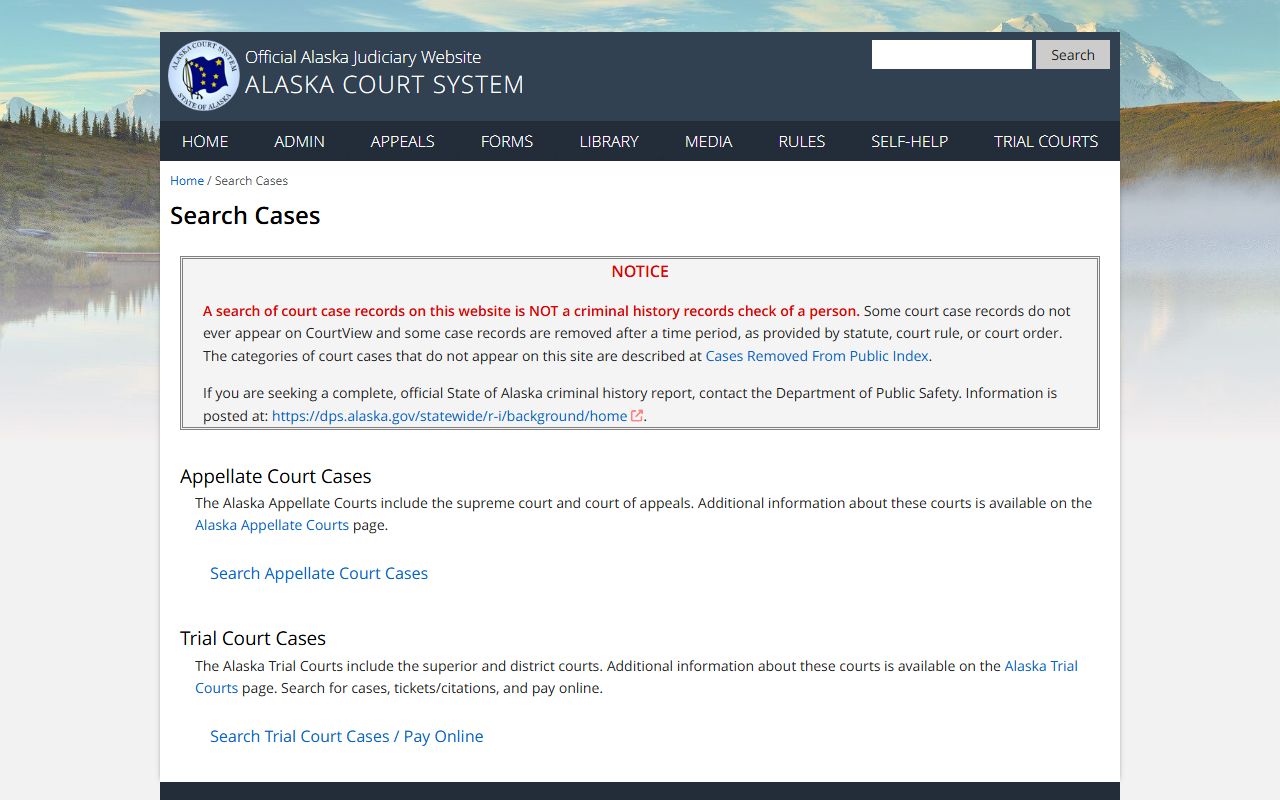
From that page, the steps below walk through a basic trial court search.
- Choose Search Trial Court Cases to open CourtView.
- Pick a tab: Case Number, Name, or Ticket/Citation.
- Type the full case number, such as 3AN-12-00001CR, or enter a party name.
- Add filters like case type, status, or a file-date range to narrow the list.
- Open a case and read the charge information and disposition before you conclude anything.
Anchorage Municipality Court Records Search Fields
CourtView gives you a long set of fields. The case number tab is the default, but the name tab is the workhorse for most people. A few tips help: search more than one spelling, try a first initial, and use common nicknames like Bob for Robert. For a company, the court suggests three separate searches, putting the first word in the Company, Last Name, and First Name fields in turn.
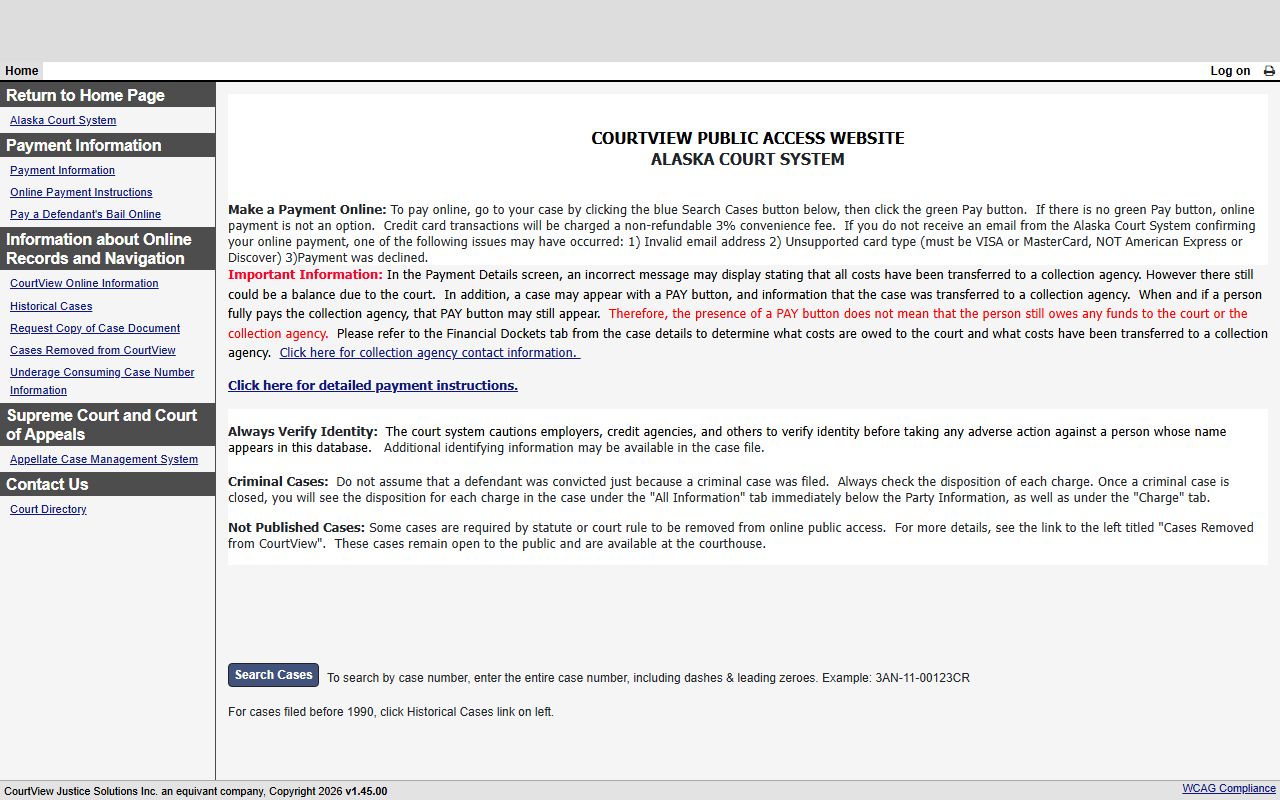
The screen above shows the public search tabs. The table breaks down the main fields and how each one behaves.
| Field Label | Type | Required | Notes / Format |
|---|---|---|---|
| Case Number | Text | Yes on case tab | Full string with dashes and leading zeroes; example 3AN-12-00001CR. |
| Last Name | Text | No | Partial last name supported when spelling is unsure. |
| First Name | Text | No | First initial or nickname suggested. |
| Case Type | Multi-select | No | Criminal, Civil, Estate, Small Claims, Traffic, and many more. |
| Case Status | Multi-select | No | All Statuses, Open, Closed, Reopened. |
| File Date Range | Date | No | Begin and end dates in MM/dd/yyyy to trim large result lists. |
| Ticket Number | Text | No | On the citation tab; driver or vehicle license search is also offered. |
A single search returns up to 500 cases. Add a date range to see them all when a name is common.
What Anchorage Municipality Court Records Show
Each case record holds a set of standard fields. The case number is the key. Its prefix marks the court, the year and sequence number make it unique, and the suffix marks the case type. Criminal suffixes read CR, civil reads CI, and probate reads PR. The table below lists the fields you see on a public case and what each one tells you.
| Field | What It Shows |
|---|---|
| Case Number | Court location, year, sequence, and case-type suffix. |
| Case Type | Criminal, civil, estate, small claims, traffic, or domestic relations. |
| Parties | Names and roles such as plaintiff, defendant, petitioner, or respondent. |
| Attorneys | Counsel of record, drawn from Alaska Bar business addresses. |
| Docket | Dated filings, hearings, orders, judgments, and dismissals. |
| Charges | Charge information and disposition in criminal cases. |
| Financial | Fines, fees, restitution, and collection-agency transfers. |
Events appear only for hearings held after CourtView went live in a court, so older cases may show less. The public portal does not provide document downloads.
Some entries are removed from the public index by rule. Confidential and sealed cases do not show. Certain criminal cases that ended in acquittal or qualifying dismissal come off after 60 days. Some under-21 alcohol cases and some marijuana cases are left out as well. A blank result does not always mean a case never existed; it can mean the case is not published online. When that happens, the courthouse copy is the next step.
Types of Anchorage Municipality Court Records
Anchorage court records fall into a handful of broad groups. The court that made the record depends on the case. Felonies and large civil suits sit in the Superior Court. Misdemeanors, small claims, and traffic sit in the District Court. Family and probate matters run through the Superior Court as well.
Public access is broad for most of these, but family and juvenile files carry more limits than the rest.
- Criminal - felony and misdemeanor cases, charging documents, pleas, and sentencing.
- Civil - debt, evictions, name changes, protective orders, and money judgments.
- Family - divorce, dissolution, custody, support, and domestic violence orders.
- Probate - wills, estates, trusts, guardianship, and conservatorship.
- Traffic - citations, fines, and minor offense cases in the District Court.
For a deeper look at any one group, the arrest records, traffic court records, and probate records pages go further.
Public Access Framework for Anchorage Court Records
Alaska gives the public broad access to records, but court files follow court rules rather than the general open-records law alone. The Alaska Public Records Act covers most agency records. Court records are governed mainly by Administrative Rules 37.5 through 37.8 and Rule 40. A case can be public at the courthouse and still not show in CourtView, which is an index rather than the full file. The CourtView information page spells out what is and is not online.
Anyone can read public case data without an account. For confidential files, only the parties may get copies, and they must show a photo identification to a clerk. The general right to inspect records sits in Alaska Statutes § 40.25.110, while the exceptions sit in § 40.25.120.
Note: A CourtView search is an index lookup, not an official criminal history; use the Department of Public Safety for a true background check.
Records That Are Sealed or Confidential in Anchorage
Some Anchorage cases are closed to the public. The records request form lists seven confidential types: adoption, child in need of aid, conservatorship, delinquency, guardianship, minor settlement, and mental commitment. These do not appear in the public index the way an open civil case does.
Sealed cases are tighter still. A sealed file is open only to the judge and to people named in a written court order. Criminal cases that ended in acquittal or qualifying dismissal can drop off the online index after 60 days, though the file may remain at the courthouse. To view a sealed record, you generally must be a party or ask the court by motion for access.
Requesting Copies of Anchorage Court Records
CourtView shows the index, not the documents. To get the actual filing, you use form TF-311 ANCH, the Anchorage Trial Courts records request form. The court cannot take case requests over the phone. You submit the form by email or fax, and normal processing runs 5 to 7 business days. A missing case number triggers an hourly research fee, so search CourtView first.
The CourtView information page describes copy requests and the public access limits in detail.
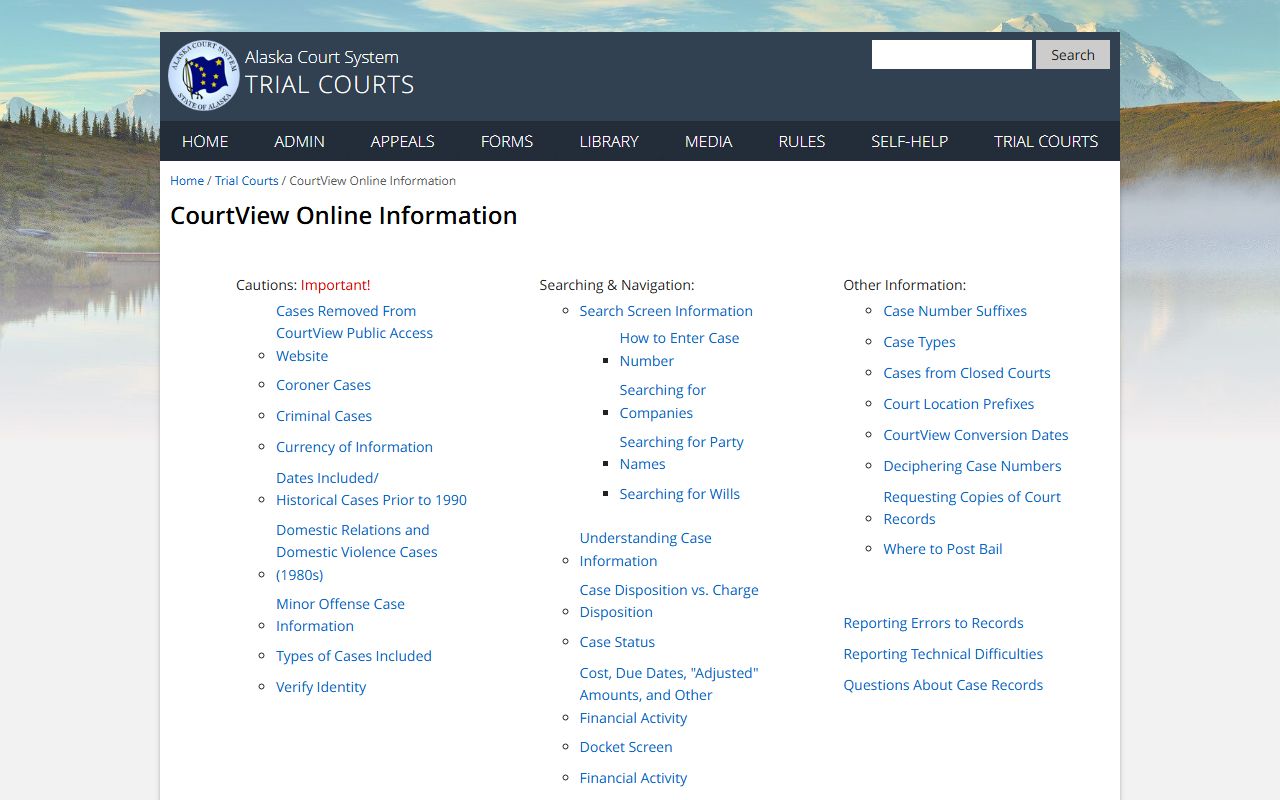
Anchorage keeps cases that start with 3AN, 3SP, or 3ST. If a case number begins with a different code, you must send the request to the court that holds the file.
Anchorage Records Department
825 W. 4th Avenue
Anchorage, AK 99501
(907) 264-0491
Mon-Fri 8:00 a.m. to 4:30 p.m.
Anchorage Court Record Copy Fees
The Records Department charges set fees for copies, and the amounts are published statewide. A plain copy of the first document runs $5, with $3 for each added document asked for at the same time. A certified copy, which carries the court seal, runs $10 for the first and $3 for each more certified copy of the same document. Certified and authenticated copies must be mailed.
| Item | Amount |
|---|---|
| Plain copy, first document | $5 |
| Plain copy, each added document | $3 |
| Certified copy, first document | $10 |
| Exemplified or authenticated copy | $15 per document |
| Records research | $30 per hour, one-hour minimum |
| Audio recording CD | $20 per CD |
Prepayment may be required, and large requests can take longer than the standard week. The full schedule, plus the rules for a fee waiver, sits on the Alaska court fee page. The Clerk of Court page covers the request steps in more depth.